HTTPS everywhere
Public URLs terminate TLS at the edge. Browsers, Stripe, and GitHub see a normal trusted certificate—not your home IP.
Secure edge · Outbound only
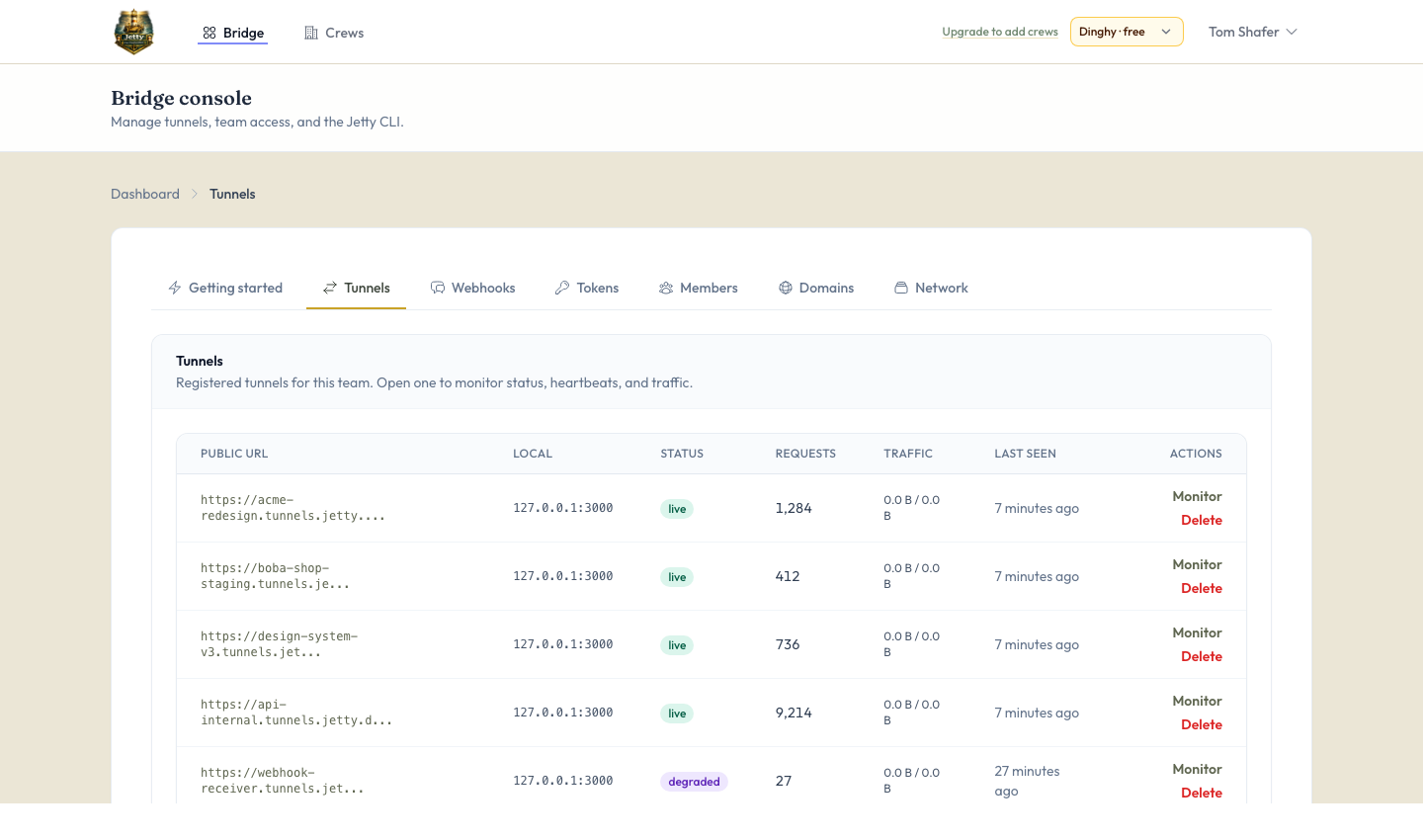
Jetty opens a managed TLS tunnel from your machine to our edge—so webhooks, phones, and teammates hit localhost as if it were already deployed.
127.0.0.1:3000
https://a7f2.tunnels.usejetty.online
jetty share 3000
Install
curl -fsSL https://usejetty.online/install/jetty.sh | bash
Then run exec $SHELL -l, configure server + token, and jetty share.
TLS
Certificates on every public URL
1
Outbound connection—no open ports
∞
Webhooks & APIs to your desk
Fleet
Shared tunnels & access control
Not a demo stack—a tunnel platform you can ship billing, policy, and regions on top of.
Public URLs terminate TLS at the edge. Browsers, Stripe, and GitHub see a normal trusted certificate—not your home IP.
Phone on LTE opens the same site you have on Wi‑Fi—no USB, no deploy.
Reserved hosts, shared visibility, hooks for policy when you grow.
From install to a shareable URL—nothing on your router.
Grab the CLI, authenticate once, pick your team.
Run tunnel against the server already on your machine.
Webhooks and humans hit TLS on our edge; traffic rides the tunnel home.
Start on Dinghy for free. Upgrade to Captain or Fleet from your crew's billing settings—paid plans use Stripe Checkout and the customer portal.
Get up and running with a free account. No card required.
$0 $0
Try for free
Everything in Harbor, plus persistence and control for daily shipping.
$7 $69
per user per month per user per year
Get startedCrews that need seats, policy, and priority.
$19 $219
per crew per month per crew per year
Get startedNo. Your machine makes an outbound connection; visitors never punch through to your LAN.
Usually fine if outbound HTTPS is allowed—validate against your own policy.
Same shape: managed tunnels. Jetty is your Laravel stack—own billing, regions, and policy.
Spin up an account and point the CLI at your next build.
Get started